This feature is free
YouTube Auto Post
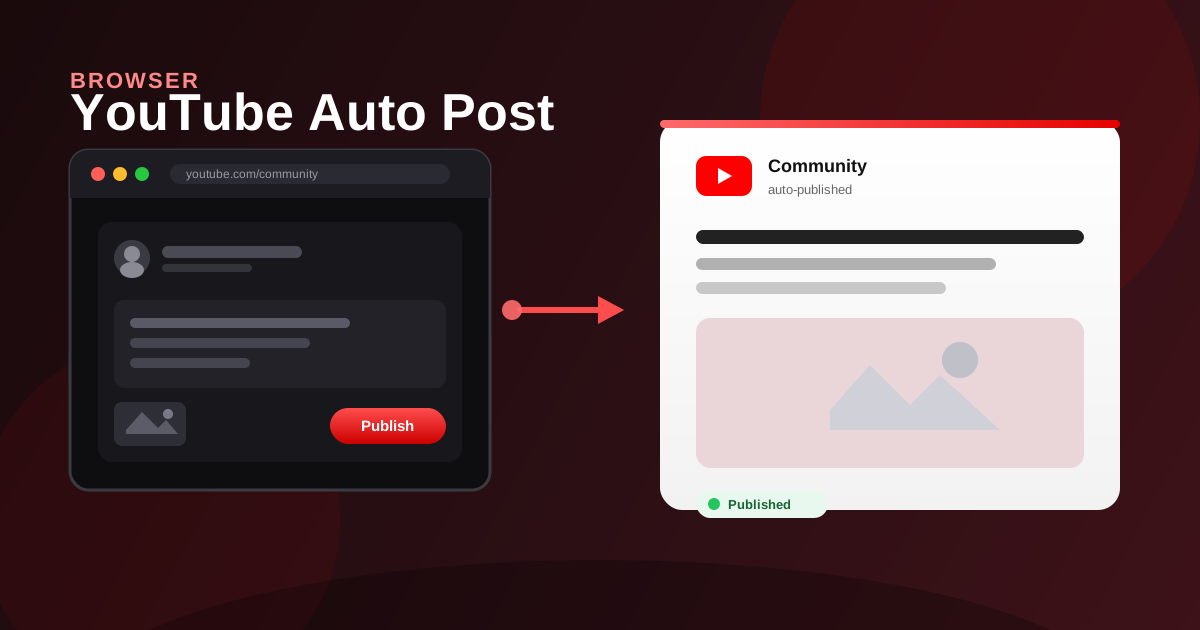
Publish a YouTube community post (text and optional images) with the logged-in browser account.
Share
How it works
- Open YouTube in the logged-in browser
- Go to the Community post composer
- Enter the caption and optionally add images
- Confirm and publish the community post
Industry scenarios
- Beauty DTC: launch teaser community post
DTC beauty brands post caption plus product stills to tease a new SKU before the video drops.
- Fitness coach: class reminder community post
Online coaches paste schedule copy and a poster image so subscribers see this week’s live class times.
- Agency: client video drop announce
Agencies publish approved copy and a thumbnail so the client channel announces a new video drop.
- SaaS founder: feature-update community post
B2B founders post a short changelog and UI screenshots to push product updates to channel fans.