This feature is free
YouTube Auto Publish Video
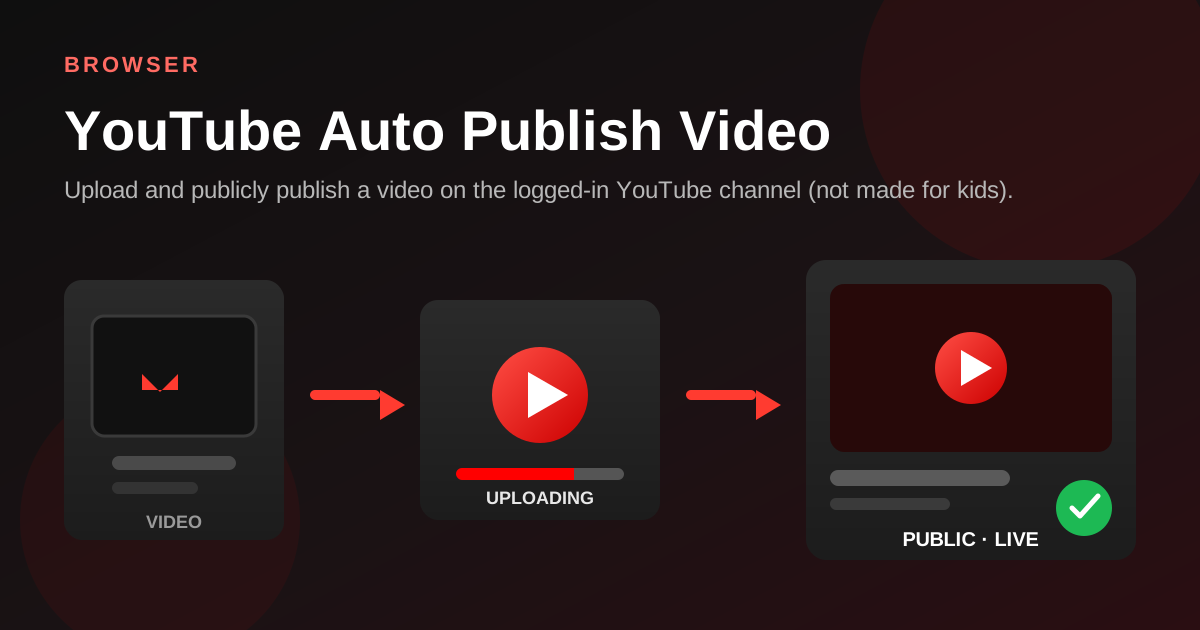
Upload and publicly publish a video on the logged-in YouTube channel (not made for kids).
Share
How it works
- Open logged-in YouTube Studio
- Select a local video file and start upload
- Fill in title, description, and basic details
- Set audience to not made for kids
- Set visibility to Public and publish
Industry scenarios
- DTC brand: weekly YouTube long-form drop
Shopify ops upload finished cuts with titles/descriptions and publish publicly to the brand channel (not made for kids).
- Agency: multi-client YouTube publish batch
Agencies push client-ready videos to each logged-in channel as public posts to hit weekly SLAs.
- Edu studio: course lecture YouTube release
Course teams upload lecture files and publish publicly for adult learners (audience not made for kids).
- Local merchant: store promo YouTube upload
Store owners upload promo cuts to their business channel as public videos for search and subscribers.