This feature is free
Facebook View Notifications
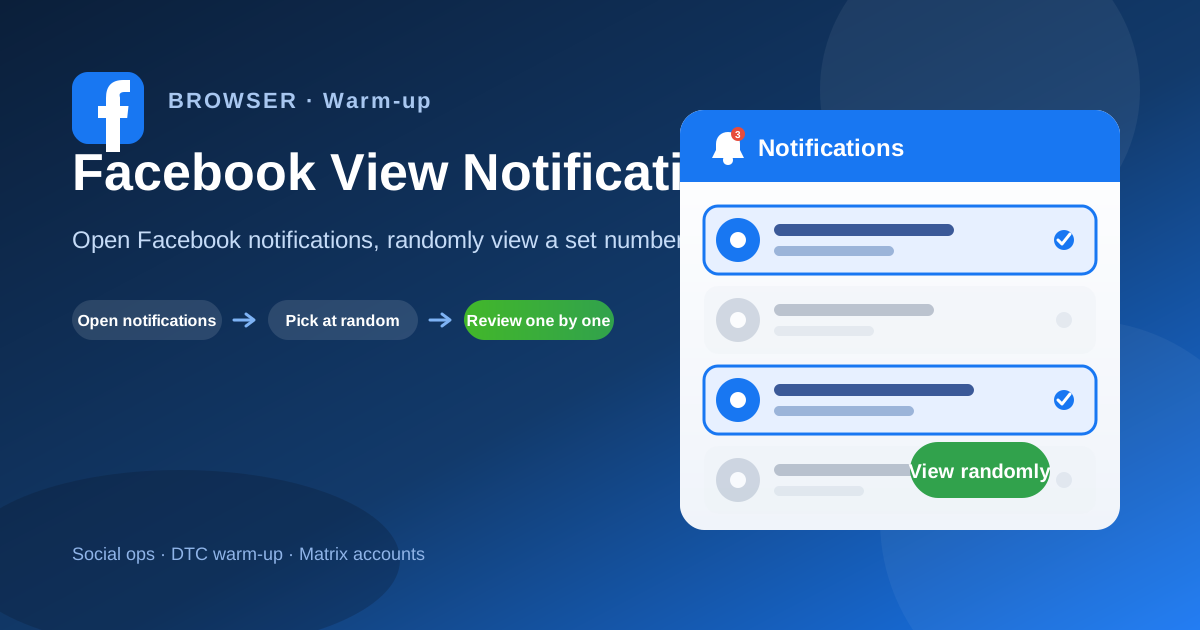
Open Facebook notifications, randomly view a set number of unread items (account warm-up).
Share
How it works
- Open Facebook and go to Notifications
- Load the unread notifications list
- Randomly pick a set number of unread items
- Open each item to complete warm-up browsing
Industry scenarios
- Agency FB Pages: daily notification warm-up batch
Agencies open client Facebook Page notifications and randomly view unread items to warm new accounts before posting.
- DTC brand: Facebook Shop pre-ad account warm-up
Brand ops randomly browse unread Facebook notifications before launching Facebook/Instagram ads to mimic organic activity.
- Cross-border seller: Facebook Groups traffic-account check-ins
Shopee/Lazada sellers open notifications on traffic accounts and view a set unread count to keep Groups and inbox reach stable.
- Creator network: Reels distribution account notice check
MCNs schedule random unread notification views across Facebook Reels distribution accounts to keep the matrix looking active.